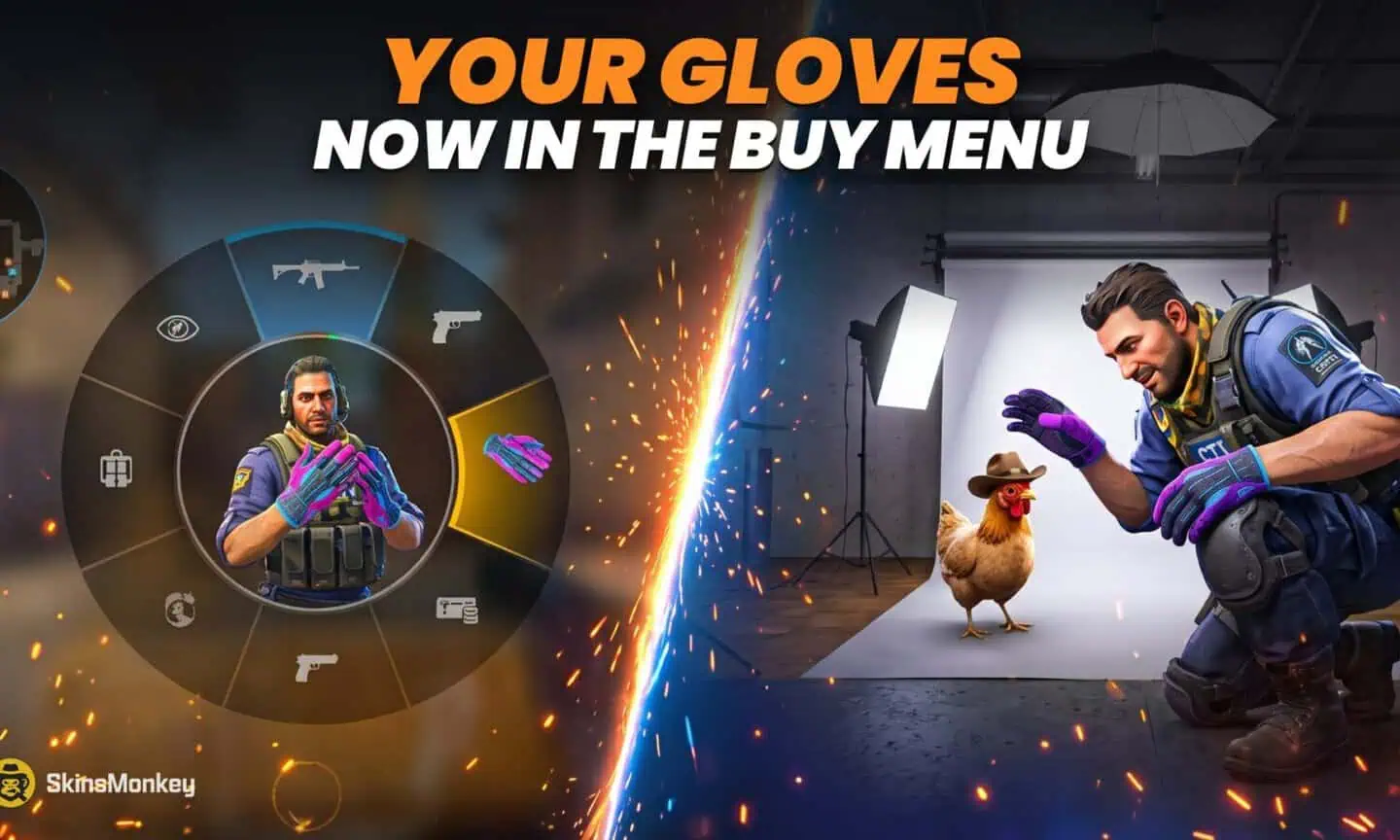
Valve's latest small CS2 patch, released on October 2, 2026 (UTC), has one line that glove owners will like: “Agents now wear their equipped gloves during the photobooth photography sessions and in buy menu.” The same update fixed the grenade crosshair when crosshair thickness is set to 3 pixels, and that is the whole changelog.
It is a tiny change on paper. In practice it puts your gloves in two places you look at all the time. You open the buy menu every round, and the pet photo booth from the Rush Hour update is where a lot of players are now spending their downtime. Until this patch, the agent you saw in both places did not wear the gloves you had paid for.
If you have been putting off a glove upgrade, you can trade CS2 skins on SkinsMonkey and see the result in your next buy phase.
Two New Places Your Gloves Appear
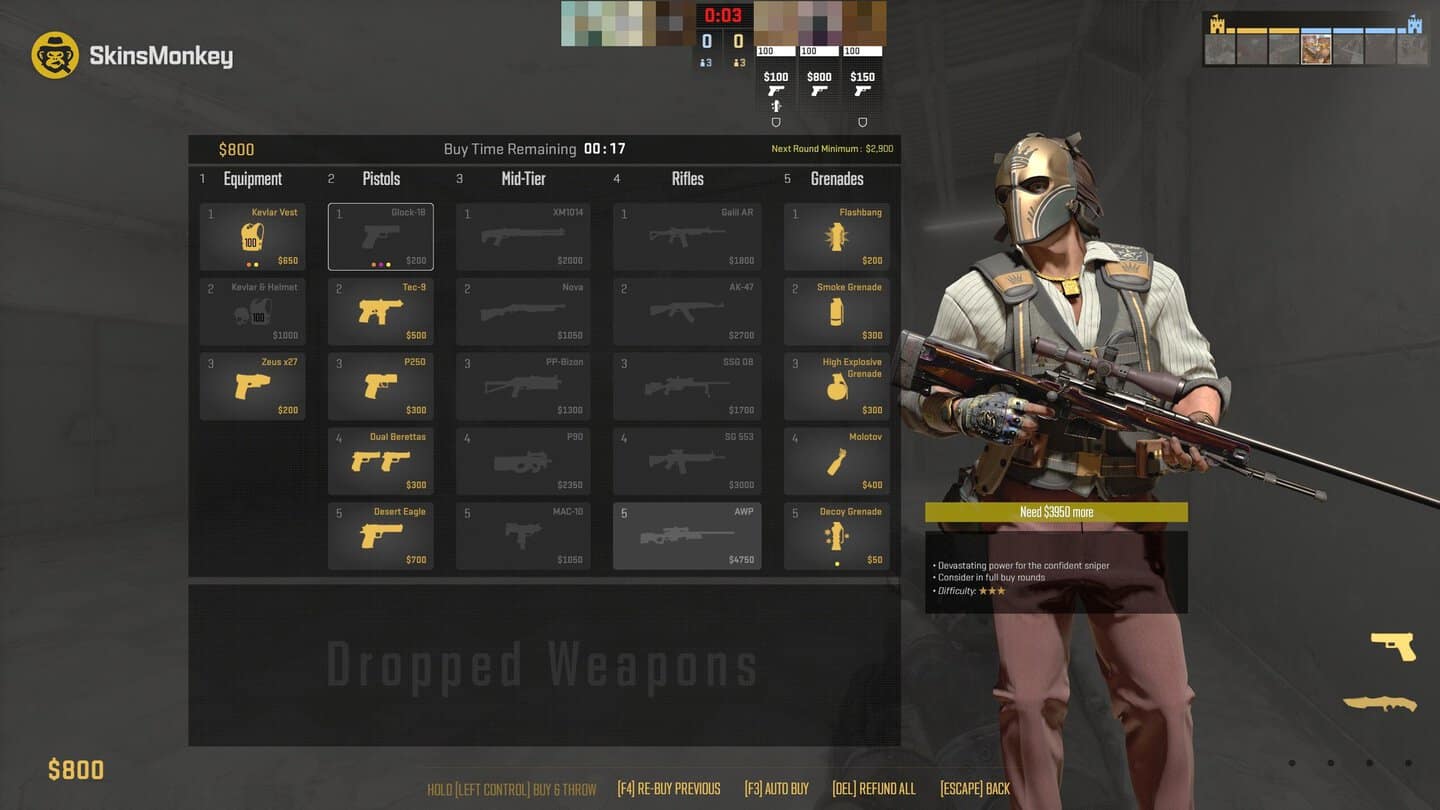
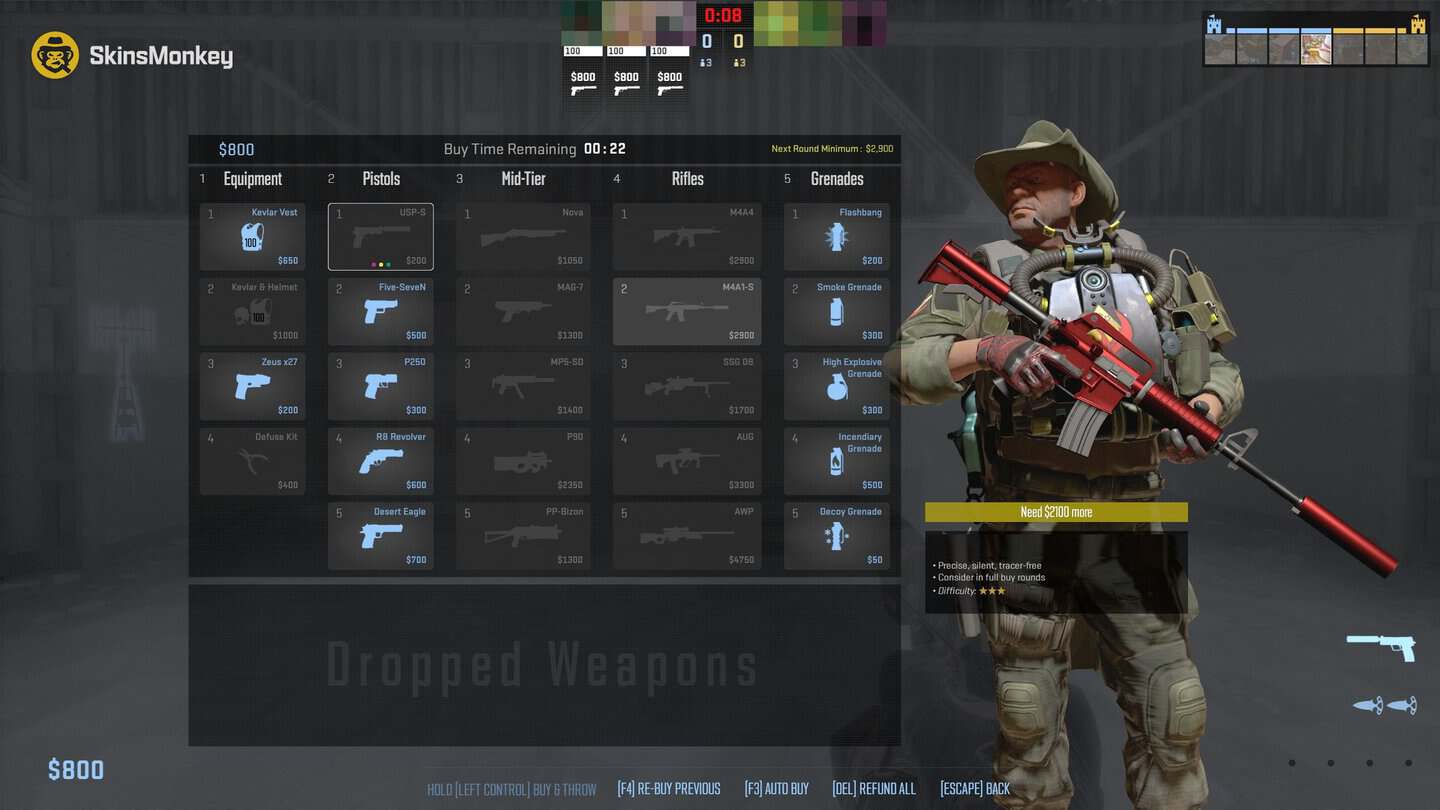
The buy menu. The agent shown in the buy menu now wears the gloves you have equipped. It stands to the right of the menu and holds whichever weapon you hover over, so you get a close look at your gloves on a rifle grip. You see it at the start of every round, so it is the most frequent close-up look at your loadout outside of the weapon in your hands.
The pet photo booth. The photo booth lets you pose your chicken with a T or CT agent, and several of its eleven poses are built around the agent's hands. Which ones you get depends on how old your chicken is: “Bird in Hand” and “Protect” only work while it is a chick, “Big Hug” opens up at the pullet stage, and “Shoulder” and “Hawk” need a grown hen. With this patch the agent in those shots wears your gloves. Photos go into your HatchBook and the photo library, and the game has a button to copy any photo to your clipboard, which makes them easy to post.
Your gloves were already visible in first person and to other players during a match. What changed is that they now show up in the two menus where you actually stop and look at your agent.
Agent and Glove Combos Now Matter More
The buy menu shows a full agent, not just a pair of hands, so the glove and the agent are now seen together every round. Players who care how their loadout looks have always matched gloves to knives. After this patch it also makes sense to match gloves to your agent, especially for the photo booth, where the agent is half of the picture.
If you want ideas, our best knife and glove combos for every budget is a good starting point, and the agent you pick can follow the same color logic.
Five Gloves That Look Good Next to Your Agent
If the buy menu has you looking at default gloves every round, a cheap pair fixes that. These five come from our list of the cheapest CS2 gloves, with Field-Tested prices from our September price check. Prices move, so check the current one on the item page before you trade.
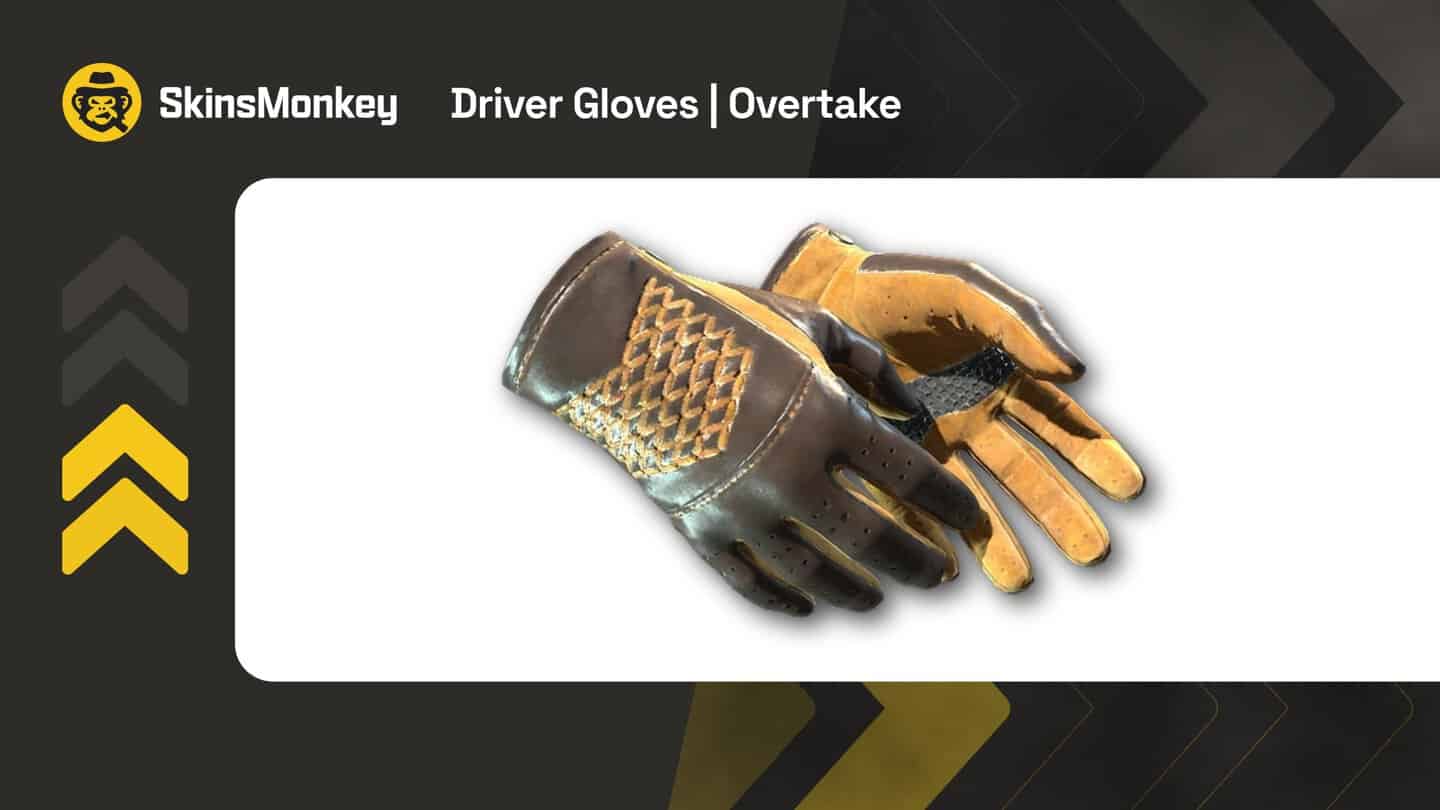
Driver Gloves | Overtake, about $46. Yellow and brown leather and a patterned back. It is the cheapest pair in this list and goes well with Tiger Tooth knives, so it is the easy way to stop showing default gloves every round.
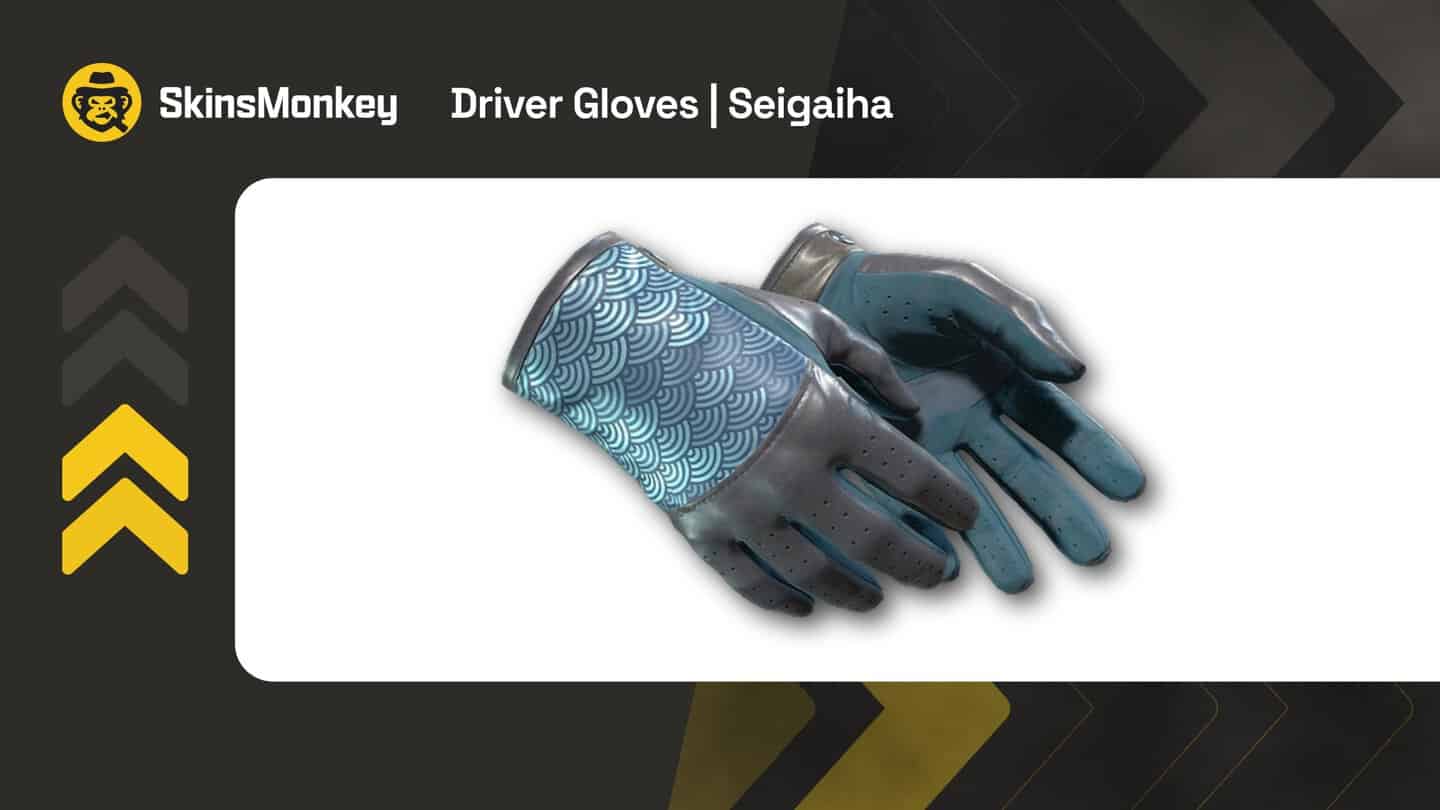
Driver Gloves | Seigaiha, about $81. A blue wave pattern that fits the cooler colors of most CT agents and blue knives like Night, Ultraviolet and Blue Steel. Wear shows less than on most gloves, so a Field-Tested pair around 0.25 float already looks clean.
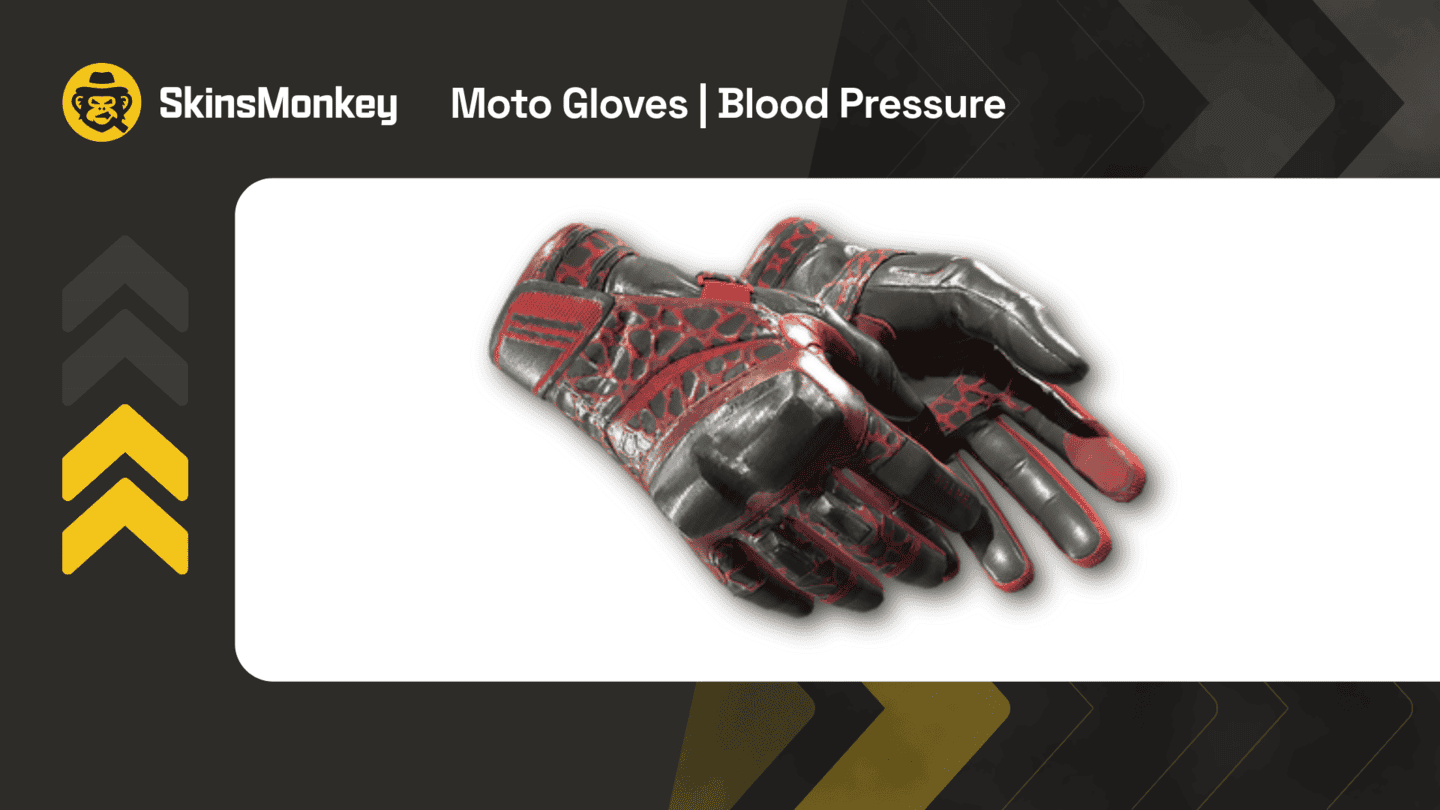
Moto Gloves | Blood Pressure, about $122. A black base with bold red details. Next to a Crimson Web or Slaughter knife it gives you a red and black loadout that does not look messy.
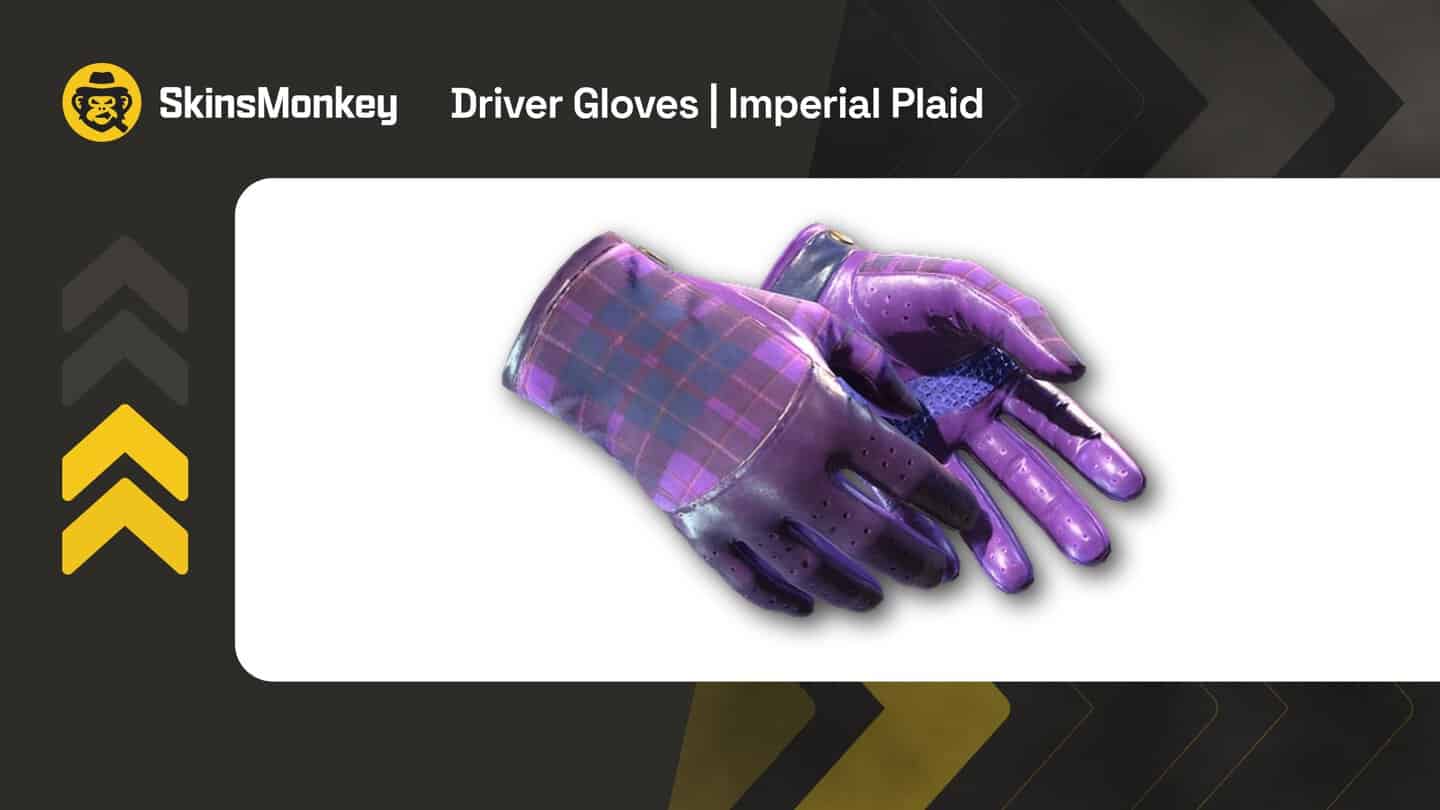
Driver Gloves | Imperial Plaid, about $157. The usual purple pick for Ultraviolet and Doppler knives, especially Phase 1 and Phase 2.
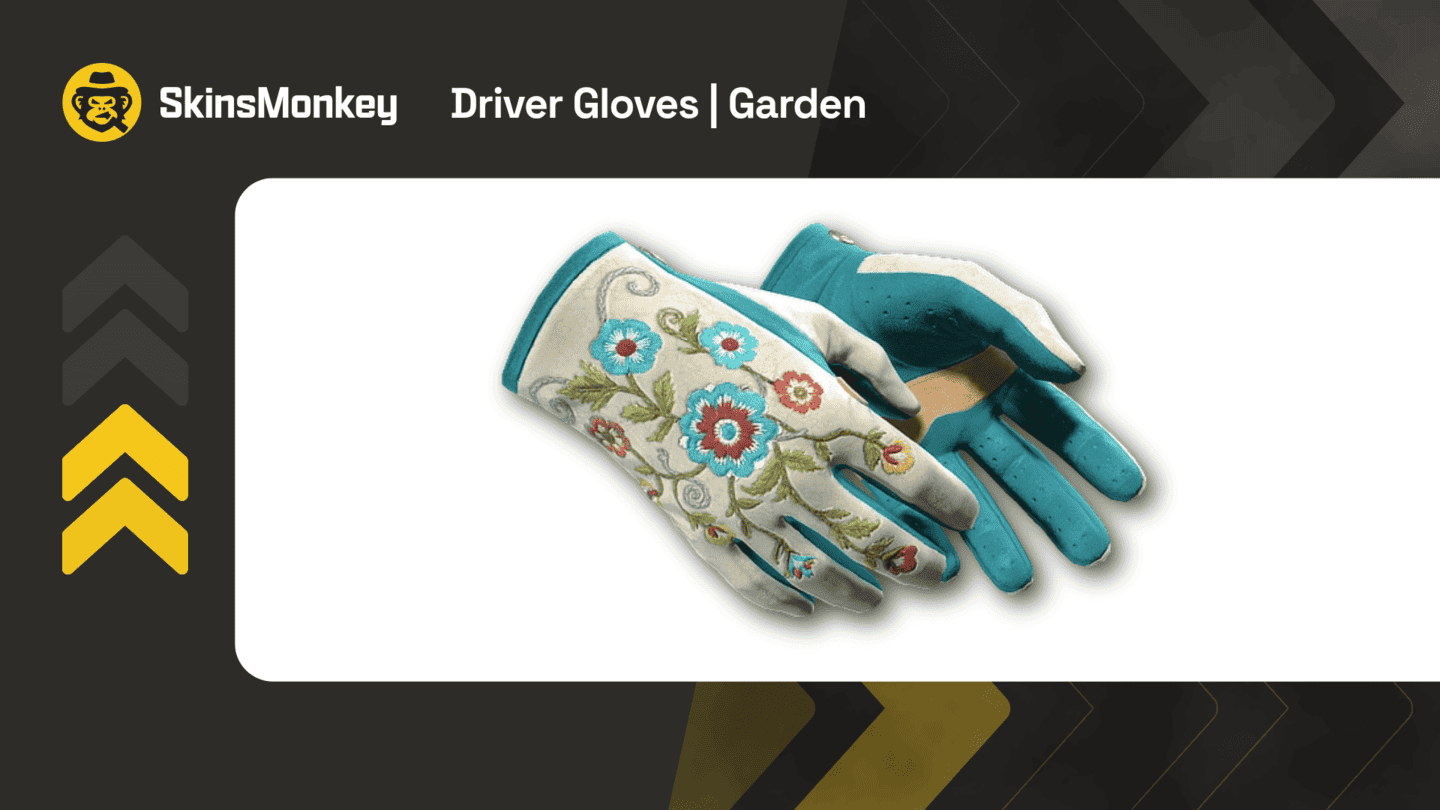
Driver Gloves | Garden, about $202. One of the newer gloves, with an embroidered floral pattern on a white back and teal fingers. It is hard to miss on a rifle grip, which is exactly where the buy menu shows it.
Will This Move Glove Prices?
We do not expect this patch on its own to push glove prices. Glove skins were already among the priciest items in CS2, and nothing about their supply has changed. What it does is give glove owners one more reason to care about the look, and give players who skipped gloves a reason to reconsider.
Gloves start well under the knife price range. On SkinsMonkey you can browse current prices for every type:
- All CS2 glove skins
- Sport Gloves, Driver Gloves and Specialist Gloves
- Hand Wraps, Moto Gloves and Hydra Gloves
- Broken Fang Gloves and Bloodhound Gloves
When you find a pair you like, you can swap your skins on SkinsMonkey with instant bot trades. If you have a chicken, our CS2 pets guide explains how to keep it alive long enough to fill the HatchBook, and our list of all chicken breeds and colors shows which one you might be holding.
FAQ
Do agents wear your gloves in the CS2 buy menu?
Yes, since the October 2, 2026 update. The agent shown in the buy menu wears the gloves you have equipped.
How do I show my gloves in the CS2 photo booth?
Equip the gloves on the T or CT side, open your pet's photo booth and pick the agent for that side. Poses where the agent holds or carries the chicken show the gloves best.
Did the October 2 update change anything else?
Only one other thing: it fixed how the grenade crosshair is drawn when crosshair thickness is set to 3 pixels.