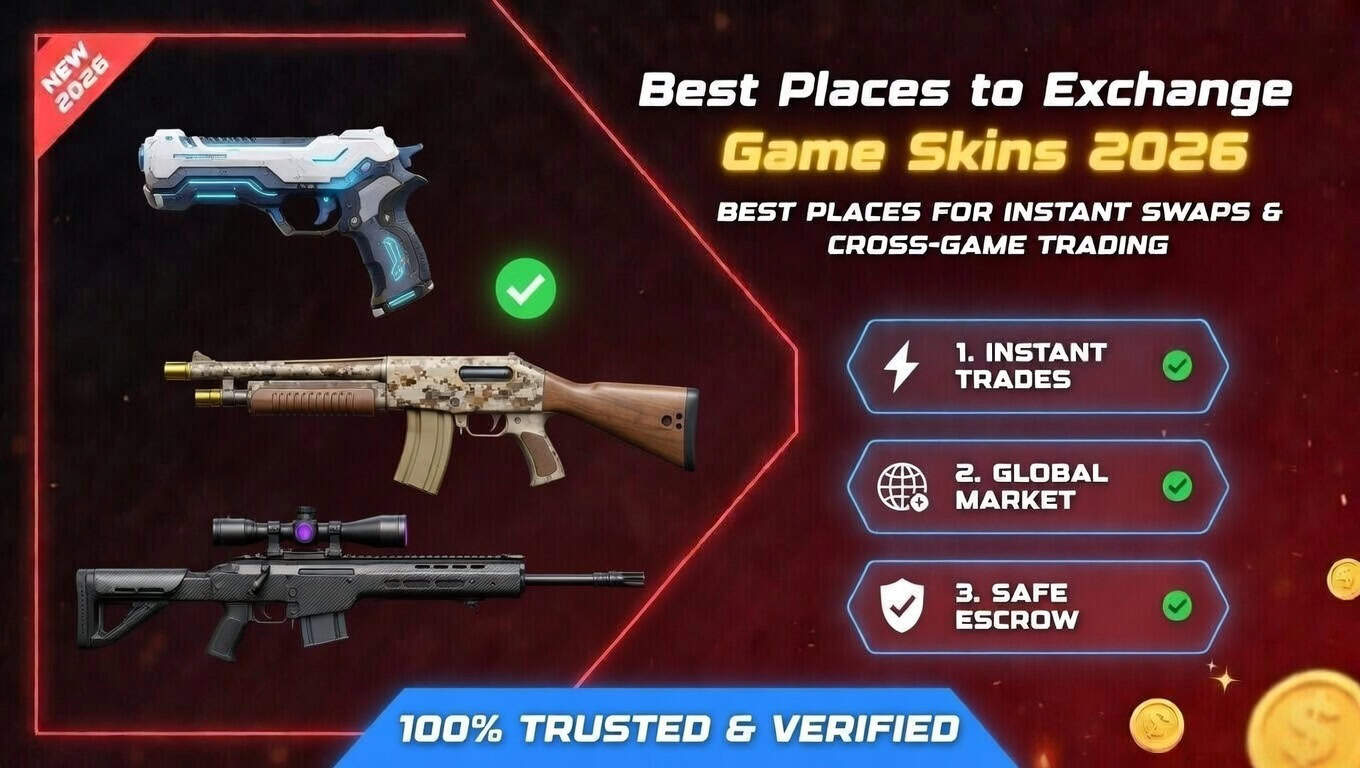
Best Places to Exchange Game Skins in 2026
The best places to exchange game skins in 2026 are automated bot-trading platforms like SkinsMonkey, which let you swap a collection of lower-value items for something you actually want in a single transaction, without listing anything or waiting for another player to negotiate.
Key Takeaways
- Exchanging is different from selling: instead of cashing out through the Steam Community Market (where funds stay locked as Steam Wallet credit), an exchange moves you directly from one item to another.
- Automated bot platforms like SkinsMonkey are generally faster for exchanging than peer-to-peer marketplaces, since you're trading against a pre-funded inventory instead of waiting for another user who happens to want exactly what you have.
Exchanging vs. Selling: What's the Difference?
Selling on the Steam Community Market gets you Steam Wallet credit, minus a cut that goes to fees, and that credit can't be withdrawn as cash. Exchanging on a third-party platform works differently — you're trading an item (or a batch of items) directly for something else, without a cash step in between. This is useful if your goal is refreshing your loadout or consolidating a pile of smaller items into one you'll actually use, rather than converting your inventory into money.
Peer-to-peer marketplaces can technically be used for exchanging too, but they're generally less efficient for this specific purpose — you have to list what you don't want, wait for a buyer, then separately search for and buy what you do want. Bot-based exchange platforms collapse that into a single, immediate transaction.
How Bot-Based Exchanges Work
The general process on a platform like SkinsMonkey looks like this:
- Log in through Steam OpenID rather than entering a separate username and password.
- Select the items you don't want from your connected inventory.
- See your resulting trade balance, based on the platform's current pricing for those items.
- Browse the platform's live inventory and choose what you want in return, up to your available balance.
- Confirm the trade through the Steam trade offer sent to your account.
Because this all happens against the platform's own inventory rather than another player's listing, it typically completes quickly — usually within a minute of you confirming — without the back-and-forth of a manual trade.
What “Best Value” Actually Means When Exchanging
The core cost in any bot-based exchange is the spread — the gap between what a platform pays for the item you're giving up and what it charges for the item you're receiving. Every bot platform builds this spread in somewhere, whether it's shown as a fee or just baked into the prices. A platform advertising a deposit bonus is generally trying to offset some of that spread when you add real money on top of your traded items, but the actual net benefit depends on the platform's current pricing at the time, not a fixed percentage that holds true indefinitely. It's worth comparing the resulting trade before confirming, rather than assuming a bonus automatically means a good deal.
Comparing Exchange Options
| Option | Speed | How Value Works | Best For |
|---|---|---|---|
| SkinsMonkey | Fast, usually under a minute | Platform's own pricing, with a built-in spread | Quick swaps, consolidating multiple items into one |
| Peer-to-peer marketplaces | Slower — hours to days | You set your price; closer to market value | Patient sellers targeting a specific price |
| Steam Community Market | Moderate, depends on demand | Sale price minus fees, proceeds locked as Steam Wallet credit | Selling for Steam Wallet funds, not item-for-item exchange |
Cross-Game Exchanges
Some platforms, including SkinsMonkey, support exchanging items across different games — for example, converting Rust items or TF2 items into CS2 skins in a single transaction, rather than requiring you to sell in one game's marketplace and buy in another separately. This is useful if you've stopped actively playing a game but still have value sitting in that inventory.
Staying Safe While Exchanging
A few habits apply regardless of which platform you use:
- Use Steam's own login system. Never enter your Steam password directly into a third-party site's own form.
- Review your Steam API key settings periodically, especially before a large exchange, and revoke any keys you no longer recognize or use.
- Confirm the actual Steam trade offer matches what the platform showed you before accepting it.
- Double-check the final trade total before confirming, since bonuses and spreads both affect what you actually end up with.
FAQ
What are the best places to exchange game skins? Automated bot-trading platforms like SkinsMonkey are generally the best places to exchange game skins, since they let you swap items directly for something else in a single fast transaction, without listing anything or waiting for a buyer.
Is exchanging skins different from selling them? Yes — selling typically means listing an item for Steam Wallet credit or cash through a marketplace, while exchanging means trading directly for a different item, often in one step through a bot-based platform.
Do exchange platforms charge fees? Most build their cost into the pricing spread — the difference between what they pay for your item and what they charge for what you're receiving — rather than a separate line-item fee. It's worth checking the final trade total before confirming.
Can I exchange items from one game for items in another? Some platforms, including SkinsMonkey, support cross-game exchanges — for example, trading Rust or TF2 items directly for CS2 skins in one transaction.
Is it safe to exchange skins on third-party platforms? It can be, as long as the platform uses Steam's own login system, you verify each Steam trade offer before accepting, and you periodically check your Steam API key settings for anything unfamiliar.

A true gaming enthusiast, especially Counter-Strike: Global Offensive (CS2) and Rust. At SkinsMonkey, he is involved in creating game guides based on his own experience.