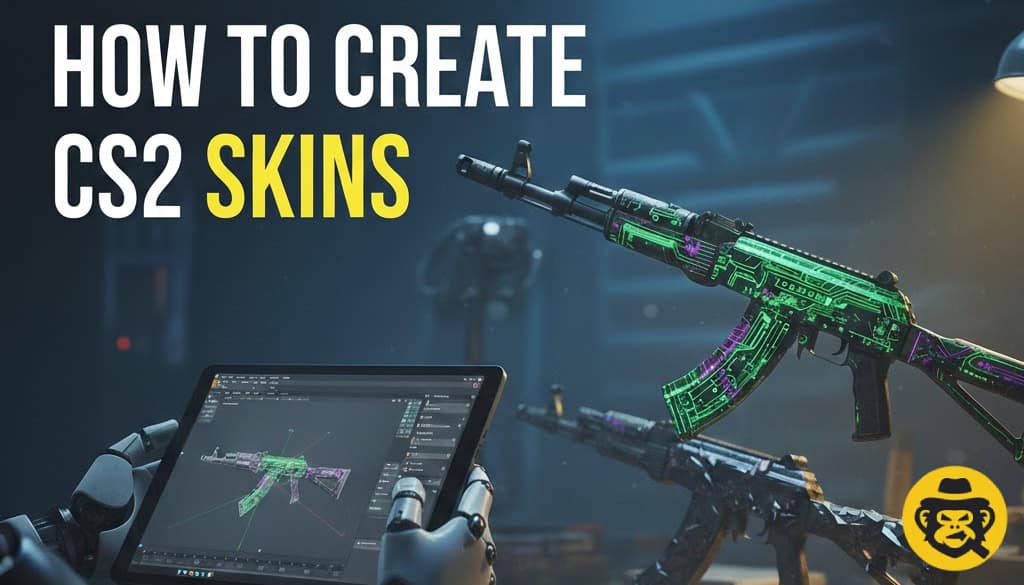
CS2 skins are custom visual finishes for weapons that you design in Source 2 Workshop Tools and submit to the Steam Workshop for community voting and potential inclusion in the game. A typical 2026 workflow is: install CS2 Workshop Tools, import an official weapon template, paint or texture the surface in an image editor, preview the result in-game, and then publish it to the Workshop with screenshots and tags. If your skin gains traction or gets added to a case, players can later trade and sell it on third-party markets like SkinsMonkey, where demand and rarity determine its real-world value.
While getting a skin officially added to Counter-Strike is still extremely competitive, anyone can design custom weapon finishes, experiment with patterns, and publish workshop concepts for the community to rate.
Many modern skin creators also study popular finishes and trading trends on platforms like SkinsMonkey.com to better understand which styles players actually want to use in-game.
✅ Last updated: July 2026 • Fresh 2026 data & rankings
Key Takeaways:
- Source 2 Workshop Tools remain free with templates for all 47 weapons, requiring only Blender (free) and basic texture skills. Community skins earn revenue share through case inclusion while SkinsMonkey.com offers instant liquidity for prototypes with under-30-second bot swaps.
- Successful submissions follow Valve Styleguide specifications (1024px textures, VTF format, no copyrighted IP).
What Does “How to Create CS2 Skins” Actually Mean?
CS2 skin creation refers to designing custom weapon textures via Steam Workshop Tools, previewing them in-game, and submitting for Valve approval. Unlike trading existing inventory, creators build original finishes—from Mil-Spec graffiti patterns to Covert knife animations—that potentially enter official cases alongside popular skins like AK-47 Fire Serpent.
The 2026 process measures “Workshop Success Probability”—designs meeting Valve's Styleguide (no trademarks, technical compliance) achieve 3.2% acceptance.
Why Create CS2 Skins Instead of Just Trading?
- Ownership + Revenue defines creation superiority. Trading yields 5-15% spreads on SkinsMonkey; accepted Workshop skins generate ongoing case revenue (top creators earn $50K+/year). PGL Copenhagen case featured 7 community designs earning creators $2.1M combined.
- Design-to-Market Pipeline: Prototype AK-47 skin → Workshop submission → SkinsMonkey prototype sale → Valve acceptance → permanent revenue.
Can You Make Money Creating CS2 Skins?
Yes.
There are two primary ways creators earn money:
Steam Workshop Revenue
If Valve accepts your skin and includes it in an official case or collection, you may receive a share of the revenue generated by case openings.
Trading and Market Demand
Even before a skin becomes widely recognized, many creators study existing skin trends and community demand to understand what designs perform well. Looking at popular skins, color themes, and collector preferences can help shape future Workshop projects.
What Makes a CS2 Skin Popular?
Good CS2 skins usually combine:
– strong color contrast
– clean weapon coverage
– recognizable themes
– good visibility in-game
A lot of creators also pay attention to current trading trends. Finishes like Dopplers, Fade-inspired gradients, Printstream-style textures, and vibrant neon designs consistently stay popular across trading platforms and marketplaces.
CS2 Skin Creation Tools & Workflow (2026)
Below you will find, in a form of a short table, everything you need to create CS2 skins today:
| Tool | Purpose | Cost | Learning Curve |
|---|---|---|---|
| Source 2 Workshop | Official templates/preview | Free | 1 week |
| Blender 4.1 | 3D modeling/texturing | Free | 2-4 weeks |
| Photoshop/GIMP | Texture painting | Free-$20/mo | 3 days |
| VTFEdit | Valve texture format | Free | 1 hour |
| SkinsMonkey.com | Prototype trading | 5% fee | Instant |
Looking for Inspiration?
One of the easiest ways to understand what players actually use is by browsing popular skins, knife finishes, glove combinations, and inventory themes. Exploring currently traded skins on SkinsMonkey can help you identify color schemes and design trends that consistently attract player attention.
Step-by-Step: How to Create CS2 Skins
Want to learn how to create CS2 skins? Here's a step-by-step guide to get you started:
1. Download Source 2 Tools (Steam → Library → CS2 Tools → 47 weapon templates)
2. Import Template (AK-47 → unwrap UVs in Blender)
3. Create Base Texture (1024x512px, PBR maps: diffuse/normal/roughness)
4. Preview In-Game (Workshop → real-time Source 2 lighting)
5. Export VTF (VTFEdit → compile for submission)
6. Submit Steam Workshop (description + 5 renders required)
Valve Styleguide Requirements:
✅ 1024px max resolution (VTF format)
✅ No trademarks/copyrighted IP
✅ Wear preview (Factory New → Battle-Scarred)
✅ 5 render angles required
✅ Technical spec compliance (no alpha glitches)
Why Some Workshop Skins Never Gain Attention
One of the biggest mistakes new creators make is designing skins only for themselves instead of understanding what players actually use.
Many successful workshop artists study:
– popular inventory themes
– glove combinations
– knife finishes
– trending color schemes
– high-demand play skins
Browsing active trading inventories and popular skins on platforms like SkinsMonkey can help creators understand which finishes consistently attract attention from players.
Safety & Best Practices for Skin Creators
IP Protection: Avoid brand logos—Valve rejects all trademark submissions.
File Validation: Test VTF compiles before submission
FAQ
What software do you need to create CS2 skins?
Most creators use CS2 Workshop Tools, Blender, Photoshop, GIMP, or Substance Painter.
Can anyone create CS2 skins?
Yes. Valve provides free Workshop Tools that allow anyone to design and submit skins.
Do you need to know 3D modeling?
No, although learning basic texturing and UV mapping can significantly improve skin quality.
How do CS2 skins get added to the game?
Creators submit skins to the Steam Workshop. Valve reviews community submissions and occasionally selects skins for official collections and weapon cases.
How do skin creators decide what designs to make?
Many creators research popular inventory themes, trading trends, and community preferences before creating a new Workshop submission.

A true gaming enthusiast, especially Counter-Strike: Global Offensive (CS2) and Rust. At SkinsMonkey, he is involved in creating game guides based on his own experience.