
On this page
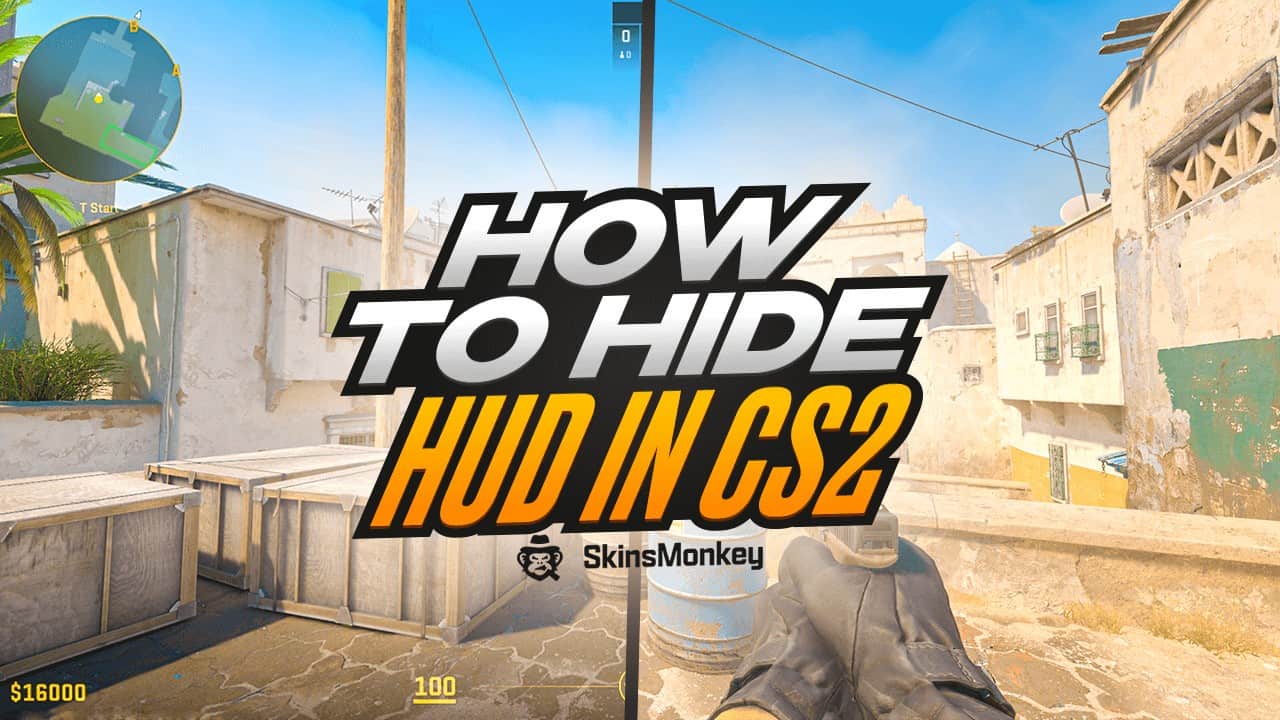
In Counter-Strike 2, the Heads-Up Display (HUD) is an integral part of the game’s UI. Like in other FPS games, it provides crucial information such as map layout, health status, and ammunition count.
However, there are moments—whether you’re capturing footage for a video, analyzing gameplay, or simply seeking a clutter-free visual environment—when you might want to completely hide the HUD.
In this guide, we’ll explore how to disable HUD in CS2 using console commands.
Also, if you ever want to change your game up with new skins, make sure to visit SkinsMonkey, where you can trade CS2 skins for the best prices available!
Using Console Commands to Hide HUD in CS2
The most efficient method to hide the HUD in CS2 is through CS2 console commands. The console allows players to input specific commands to customize and fine-tune their gaming experience, giving each player a high level of customization. Here’s a step-by-step guide to hiding the HUD in CS2:
- Enable Developer Console: First, make sure to enable CS2 developer console by setting the ‘Enable Developer Console option’ to ‘Yes’. Navigate to the game settings, go to the “Game” section, and set “Enable Developer Console (~)” to “Yes”.
- Open the Console: Press the tilde key (~) on your keyboard to open the console window.
- Enter the Command: cl_drawhud is cheat-protected, so it only works on your own server (for example a practice match with bots or a workshop map), not in matchmaking. Type ‘sv_cheats 1′ first, then type the command ‘cl_drawhud 0′ into the console and press Enter to disable the HUD. You can type in the ‘cl_drawhud 1′ console command to restore default value to this setting and display HUD again.
And that’s about it. With these simple console commands you can either hide or display the whole HUD, allowing you to tailor the game’s visual presentation to your needs.
Why Would You Want to Hide Your HUD?
Hiding the HUD might seem counterintuitive given its utility. After all, it’s an integral part of the game, one you can’t really do without.
However, there are several scenarios where you might want to hide your HUD for one reason or another. The HUD consists of various HUD elements such as health status, ammunition count, and map layout in the top left corner. Adjusting HUD settings can help tailor the game to your preferences.
1. Capturing Video Footage
For content creators and filmmakers, HUD elements can be disruptive when capturing high-quality gameplay footage. Removing the HUD allows for clean, cinematic shots, which can be used for montages, trailers, or other creative projects. Disabling HUD ensures that your viewers will only see the raw gameplay, without the kill feed and death notices.
2. Analyzing Gameplay
Some players and analysts prefer to review gameplay recordings without the HUD clutter. This can help to better focus on player movements, strategies, and positioning without the distraction of in-game information. A clear screen can make it easier to identify and evaluate mistakes or successful tactics, making the overall gameplay analysis smoother and easier.
3. Enhanced Immersion
For a more immersive experience, particularly in casual single-player scenarios, hiding the HUD can intensify the feeling of being on the battlefield. Without the constant display of stats, you’re more reliant on auditory and environmental cues, which can make for a truly engaging and immersive gameplay experience. Don’t try it in CS2 ranked mode gameplay though.
4. Aesthetic Preferences
Sometimes, players simply prefer a minimalistic look. Removing the HUD can create a cleaner, more visually appealing gaming interface. This can be especially true in CS2 custom maps or mods, where you can fully enjoy the customized looks, without the standard HUD clutter.
Conclusion
Hiding the HUD in CS2 can serve several purposes. By using a simple console command, you can effortlessly toggle the HUD to better suit your needs.
If you enjoyed this guide, make sure to check out the rest of our blog, where we regularly post more tips, tricks, and even offer free CS2 skins giveaways!
Was this article helpful?One tap. It tells us what to update first.
Be the first to rate this article.
Thanks, noted. Alex reads these before every update.