
On this page
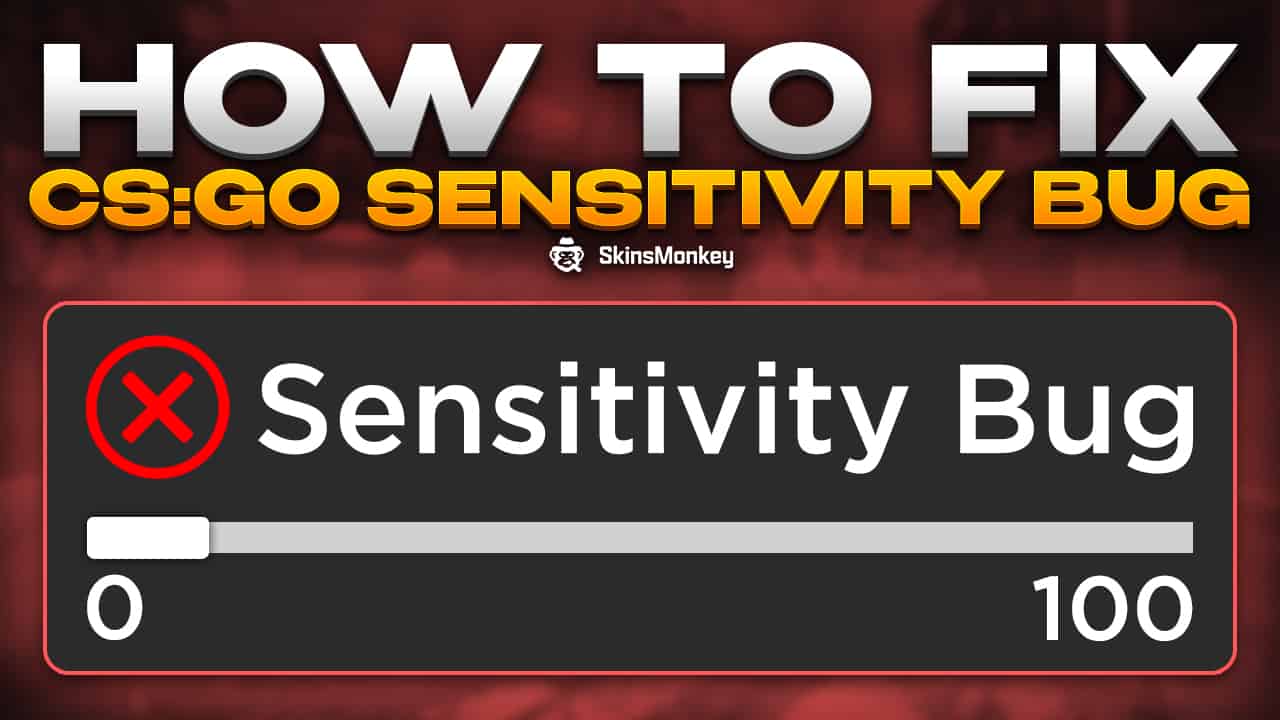
Do you ever feel like your mouse sensitivity suddenly drops to extremely low values at the start of the match, without you changing anything in the options? If this has happened to you, don’t throw out your mouse. Chances are, you fell victim to a technical issue in Counter-Strike: Global Offensive, the sensitivity bug.
Since publication · October 2026
Counter-Strike 2 replaced CS:GO on September 27, 2023. In CS2, raw input is always on and the old m_rawinput command no longer exists, so the raw input setting mentioned below doesn’t apply anymore. The Steam client steps below have been updated for the current Steam client. The rest of this article describes the CS:GO sensitivity bug as of February 2023.
If you need more than a temporary fix for the mouse sensitivity bug, read on. In this article you will learn everything about the CSGO sensitivity bug that has been making rounds in ranked games and how to fix it.
What Is The CSGO Sensitivity Bug?
Reports about the sensitivity bug started circulating on Twitter, with several CS pros complaining that it had also happened to them in matches. Although no one has publicly identified the cause of this problem, in all cases it affected the mouse sensitivity of a player. This seemed to drop the sensitivity randomly to very low values, hitting zero in some cases.
The bug has been affecting casual players and pros alike, with the sensitivity bug wreaking havoc in every CSGO skill bracket. All players faced the same problem, and some kept reporting their sensitivity randomly dropping to low values even after later game updates.
This issue also seemed to affect CSGO players whether they had enabled raw input or not. It didn’t seem to be a problem with the mouse settings. A client update most likely broke something in the game, and many CSGO players kept reporting the sensitivity bug for a long time.
How To Fix Your Mouse Sensitivity In CSGO
No one has managed to successfully identify the exact reasons why the mouse sensitivity bug occurs in some games. Professional players have tried identifying the causes, but they mostly stay unknown. It didn’t seem to happen in other games, which pointed to CSGO and possibly the Steam client. CSGO pros have managed to identify a temporary fix, and the problem most likely is related to beta participation programs in the Steam client, as well as the Steam overlay.
If you want to fix the mouse sensitivity bug, follow these steps:
- Open the Steam client
- Open Steam > Settings
- Go to the ‘Interface’ tab and find ‘Client Beta Participation’
- Choose ‘No beta chosen’ to opt out of all beta participation
In some cases, the sensitivity bug persisted. Steam overlay seemed to have an effect on the sensitivity bug as well. If opting out of all beta programs in the Steam client didn’t help your in-game sensitivity, disabling Steam overlay might fix it. To do it:
- Open the Steam client
- Go to the client settings again
- This time find the ‘In Game’ tab in the settings
- ‘Enable the Steam Overlay while in-game’ is on by default – turn it off to fix the problem
Once you opt out of all Beta participation programs and disable the Steam overlay while in game, you should no longer encounter the mouse sensitivity bug. Also, remember to restart your Steam client after doing all of the above steps, as this has also been reported to help CSGO players with the bug.
To Sum Up
The mouse sensitivity bug is super annoying, and can sadly affect your ranked performance. If you start a match and your mouse sensitivity suddenly drops to 0, you can expect that your teammates probably won’t be too understanding. If you follow all of the steps mentioned in this guide, however, you should remain safe. Also, remember to check out the SkinsMonkey blog, where we regularly post useful CS2 guides, and trade CS2 skins with low fees!
Was this article helpful?One tap. It tells us what to update first.
Be the first to rate this article.
Thanks, noted. Alex reads these before every update.