
On this page
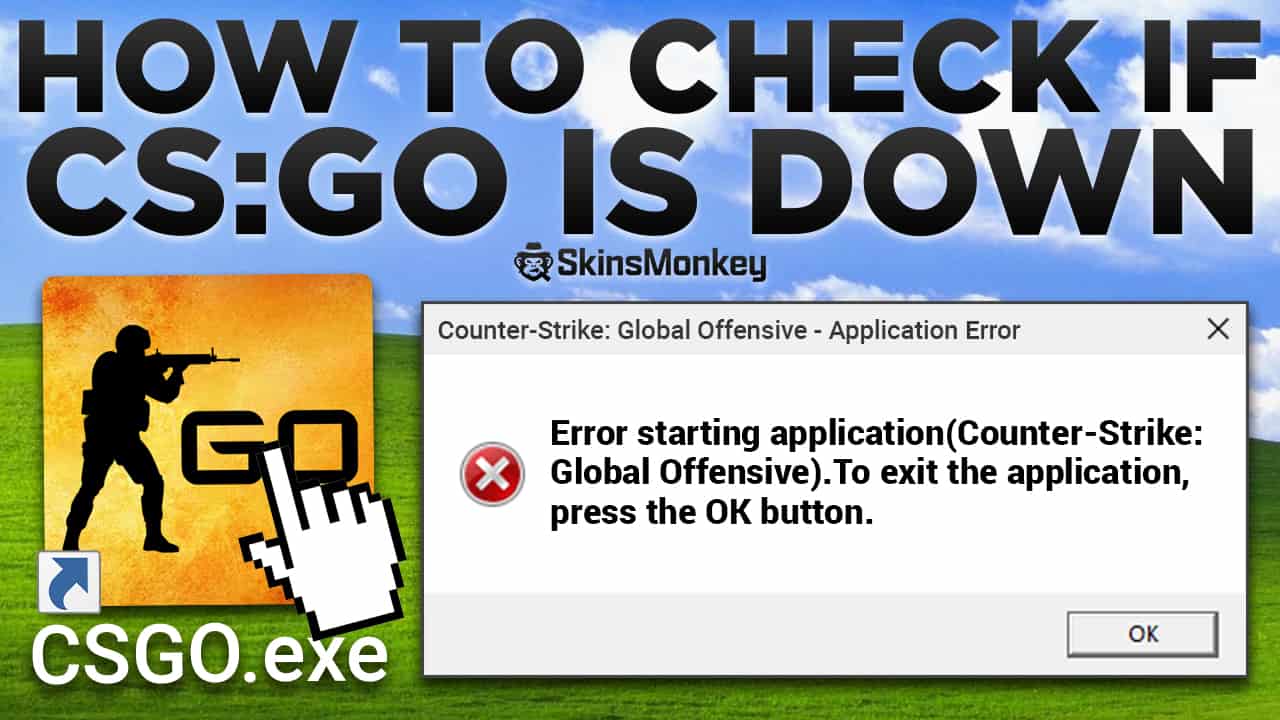
Like many other online games, Counter-Strike 2 depends on its servers, which the Valve corporation makes sure to maintain in the best state possible. The release of CS2 involved several technical issues, including an error message stating that CS2 servers are down.
Obviously, without CS2 servers running you won’t be able to play with other gamers. However, it’s not always clear whether the issues are with the CS2 servers or your game or internet connection. Here’s a guide on how to check the server status for Counter-Strike 2!
Looking to trade CS2 skins for the best prices available? Compare today’s prices on SkinsMonkey before you trade.
Why Am I Getting The Error?
If you’re getting an error message claiming that CS2 servers are down, there might be a couple of reasons for this.
- Steam server maintenance
Since Steam is one of the biggest gaming platforms in the world, the servers are often under a heavy load. In order to be able to function efficiently, Steam servers have to undergo regular maintenance, during which many of the online Steam services might become unavailable. This means that you probably won’t be able to purchase games in the store, access some functions of your Steam profile, connect with Steam community and play online games that use Valve servers, which includes CS2. When you try to start a CS2 game at the same time as Valve servers are having maintenance, you’ll get the message that CS2 servers are down. To check if this is the case, open the Steam store; during maintenance, Steam may show a message that its servers are temporarily unavailable. Steam’s regular maintenance usually happens on Tuesdays and is typically short, often under half an hour, during which your Steam access might be limited.
- You are having connection issues
In some rare cases you might get the ‘CS2 servers are offline’ notification when the issue is really with your own connection. This happens mostly when your internet connection gets terminated while you’re in the game. The CS2 client will then give you this message when trying to connect to the game server.
- An update was released while you were in-game
If Valve released a CS2 update while you were playing the game, you may not be able to connect to the CS2 servers until you restart the game and install it. If that’s the case, you may simply receive the information that CS2 servers are down when trying to connect.
- CS2 servers really are down
In some rare cases, the CS2 servers can really be down, due to a variety of different reasons. It can be a power outage, a hacker attack or a myriad of technical issues which can plague online servers. If this happens, chances are not only the CS 2 servers are affected, but the entire Steam server infrastructure as well, including Steam website, client functionality and other online games. Issues of this type affect all users, and are generally difficult, if not impossible, to predict. When this happens, Valve usually confirms the problem on the official Counter-Strike account on X or otherwise informs Steam users of any possible issues.
Got some CS2 skins you don’t need? Why not visit SkinsMonkey and sell CS2 skins for the best prices, anytime, anywhere!
How To Check Counter-Strike 2 Server Status?
If you want to check the server status and see where the issue lies, you should first make sure Steam and CS2 are up to date. Chances are that while you were playing, an update rolled out and caused you to disconnect from the game. If you get the error message, your first move should always be to restart Steam so it can install any pending updates, and to check the game’s update settings:
- Open the Steam application and click “Library”.
- Right-click the game in your library and select “Properties”.
- Select “Updates” and make sure automatic updates are turned on, then restart Steam so any pending CS2 update downloads.
If this didn’t help you, your next choice should be to simply reset your internet connection, or try a different internet connection and connect to Steam. If you’re still receiving the error message after doing all of this, chances are the Steam servers are really down. To check the CS2 server status, go to steamstat.us, an unofficial tracker (not affiliated with Valve) that shows the status of Steam and Counter-Strike services such as logon and matchmaking, and check the official Counter-Strike account on X for any announcements.
To Sum Up
Steam is a complex platform, and there are many issues that can occur, either at your end or at Valve’s. If this happens, try out one of the solutions in our guide and see if it helps you. Also, be sure to check out SkinsMonkey for a chance to win free CS2 skins!
Was this article helpful?One tap. It tells us what to update first.
Be the first to rate this article.
Thanks, noted. Alex reads these before every update.