
On this page
This guide shows how to change your Steam name in the desktop app, in a browser and in the Steam mobile app. It also explains which of your Steam names and IDs can change and which cannot, how to clear the list of your old names, and what a new name changes in CS2 and in your trades. We checked every step in the Steam app on November 24, 2026.
Short answer: you can change your Steam profile name as often as you want, in about a minute, and it costs nothing. Your account name, the one you type at login, stays the same forever. Your items, your Premier rating and your trade URL also stay the same, so a new name does not get in the way of trading CS2 skins on SkinsMonkey or anywhere else.
Profile Name, Account Name, SteamID: Only One of Them Is Yours to Change
When people ask how to change their Steam name, they usually mean the profile name. That is the name your friends see in their friends list, the name in Steam chat and the name on the CS2 scoreboard. Steam also calls it the persona name. It does not have to be unique, so two players can use the same one.
The account name is different. You picked it when you created the account and you use it only to log in. Nobody else sees it. Valve does not let you change it, and Steam Support cannot change it for you either. The same goes for your SteamID64, the 17-digit number that identifies your account in every trade and in every profile link without a custom URL.
| Identifier | Who sees it | Can you change it |
|---|---|---|
| Profile name | Everyone: friends list, chat, CS2 scoreboard | Yes, any time |
| Account name | Only you, at login | No, not even Steam Support |
| SteamID64 | Anyone who opens your profile link | No, it is fixed |
| Custom URL | Anyone who opens your profile link | Yes, in the same menu |
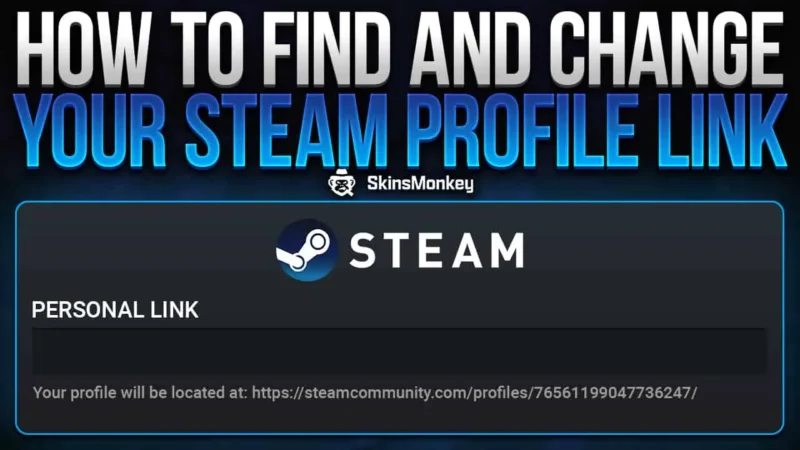
The custom URL is in the same menu as the profile name and also changes any time. If you change it, the old address stops working. Your Steam profile link with the SteamID64 number keeps working no matter what name or URL you use.
Change Your Steam Name in the Desktop App
This takes less than a minute and works the same on Windows, macOS and Linux.
- Open Steam and click your profile name in the top menu, next to Community.
- Choose Profile. Your Steam profile page opens inside the app.
- Click Edit Profile on the right side of the page.
- In the General section, type the new name in the Profile Name field. The limit is 32 characters, spaces included.
- Scroll down and click Save.
The new name shows up on your profile and in your friends’ lists right after you save. Steam only refuses a name in rare cases. Players report that some symbols and non-Latin letters use up more than one character of the limit, so a name in Cyrillic or with decorative symbols can hit it before 32 visible characters. If Steam shows an error, shorten the name and save again.
Change It in a Browser or in the Steam Mobile App
In a browser, log in at steamcommunity.com, open the menu under your name in the top right corner and choose View my profile. Then click Edit Profile and follow steps 4 and 5 from the list above. The page is the same one the desktop app opens.
In the Steam mobile app, tap your avatar to open the menu and go to your profile. Tap Edit Profile, change the Profile Name field and save. This is the fastest way if you are not at your PC, and the change appears on all devices at the same time.
Wipe the Old Names From Your Profile
Steam keeps a list of your previous names. Anyone who opens your profile can click the small arrow next to your name and see up to 10 of them. The list helps players recognize an account that changed its name, for example after a scam or a cheating ban.
You can clear the list on your own profile. Open your profile, click the arrow next to your current name and choose Clear previous aliases. Steam removes the old names from the list on your profile. Websites that collect Steam profile data may still have copies, and Steam does not control those.
What a New Name Changes in CS2 and What It Does Not
CS2 takes your name from Steam. Your teammates and opponents see the new profile name on the scoreboard, in the kill feed and in voice chat. If CS2 was running while you changed it, restart the game before you queue, so the match uses the new name.
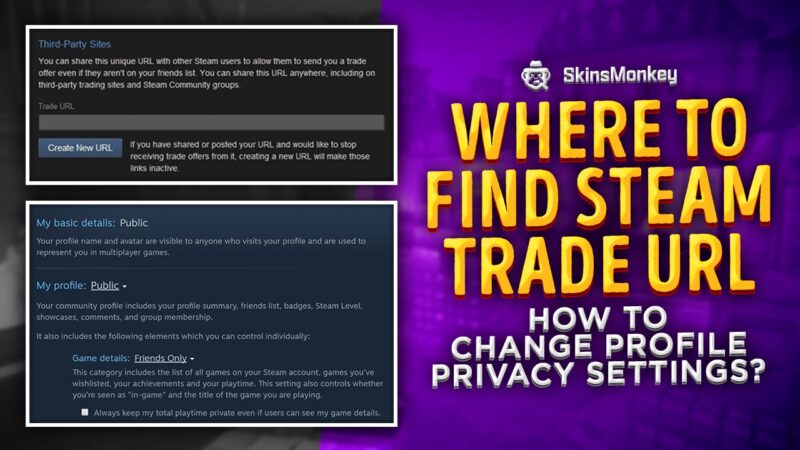
Everything tied to your account stays where it is. Your inventory, your Premier rating, your Competitive ranks per map, your Steam level and your friends list do not move. Your trade URL also stays the same, because it is built from your account number and a token, not from your name. You can check that in our guide on where to find your Steam trade URL.
One thing to keep apart: a Name Tag in CS2 renames a weapon, not you. It costs $5.21 on SkinsMonkey and gives one skin a custom name that every player sees when you inspect it. The skin keeps its float, its pattern and its value on the market.
| Item | Price on SkinsMonkey, November 24, 2026 | Price | |
|---|---|---|---|
 Name TagName Tag | Renames one weapon, not your Steam account | $3.53up to $5.21 | Check |
 RedlineAK-47 | From $32.22 in Battle-Scarred | $21.09up to $352.96 | Check |
 PrintstreamDesert Eagle | From $38.72, Factory New $74.73 | $25.08up to $184.12 | Check |
 AsiimovAWP | From $96.67 in Battle-Scarred | $59.45up to $289.23 | Check |
Scammers Change Their Names Too
A profile name changes in one minute, and scammers use that. Impersonation is one of the most common trading scams on Steam. A scammer copies the name and the avatar of one of your friends, or of a well-known trader, and sends you a message or a trade offer. In the friends list, the fake looks the same as the real one.
Three habits make this scam useless against you:
- Give a nickname to every friend you trade with. In the friends list, click the arrow next to the friend and choose Add Nickname. Steam shows your nickname next to their name, and a copy of the profile does not have it.
- Before you accept a trade offer, open the profile of the other person and compare the SteamID64 or the profile link with the one you know. The name and the avatar prove nothing.
- Check the previous names. Many recent name changes on a profile you have never seen before are a warning sign.
Our guide to CS2 scams covers fake trade bots, Steam API key scams and phishing sites in more detail.
Want a New Account Name? Only a New Account Gives You One
If the login name is what bothers you, the only way to get a different one is to create a new Steam account. Games, CS2 Prime status, your Premier rating and your skins do not move with you, and Steam has no tool to merge accounts. Skins can move to a new account only by trading, and a new account has to meet Steam’s trading conditions first.
For most players this is not worth it. Nobody sees the account name, so a new profile name and a new custom URL cover almost every reason to rename. If you still plan a second account, check what your skins are worth before you decide, and keep trading on SkinsMonkey from the account you already have.

Bottom line
Change the profile name as often as you like, and leave the account name alone.
Edit Profile, Profile Name, Save: that is the whole process on desktop, web and mobile. Your skins, your Premier rating and your trade URL do not change, and you can clear the list of old names yourself.
The account name and the SteamID64 never change. That is also why you should check the SteamID64 before every trade, because a name and an avatar can be copied in a minute.
FAQ
Can I change my Steam account name?
No. The account name you use to log in is permanent, and Steam Support cannot change it either. You can change your profile name, which is the name other players see, as often as you want.
How many times can I change my Steam name?
As many times as you want. Steam has no limit and no cooldown for the profile name. Each change adds the old name to the list of previous names on your profile, which you can clear yourself.
Why do people still see my old Steam name?
Steam shows up to 10 previous names on your profile. Click the arrow next to your name on your profile and choose Clear previous aliases to remove them. In CS2, restart the game if it was running when you changed the name.
Does changing my Steam name affect my CS2 skins or trades?
No. Your inventory, your Premier rating and your trade URL stay the same, because they are tied to your account, not to your name. Trade offers work the same as before.
Was this article helpful?One tap. It tells us what to update first.
Be the first to rate this article.
Thanks, noted. Alex reads these before every update.